Project
Neocles
Year
2023
Role
Tools
Figma
Making bulk reordering faster for buyers navigating thousands of SKUs
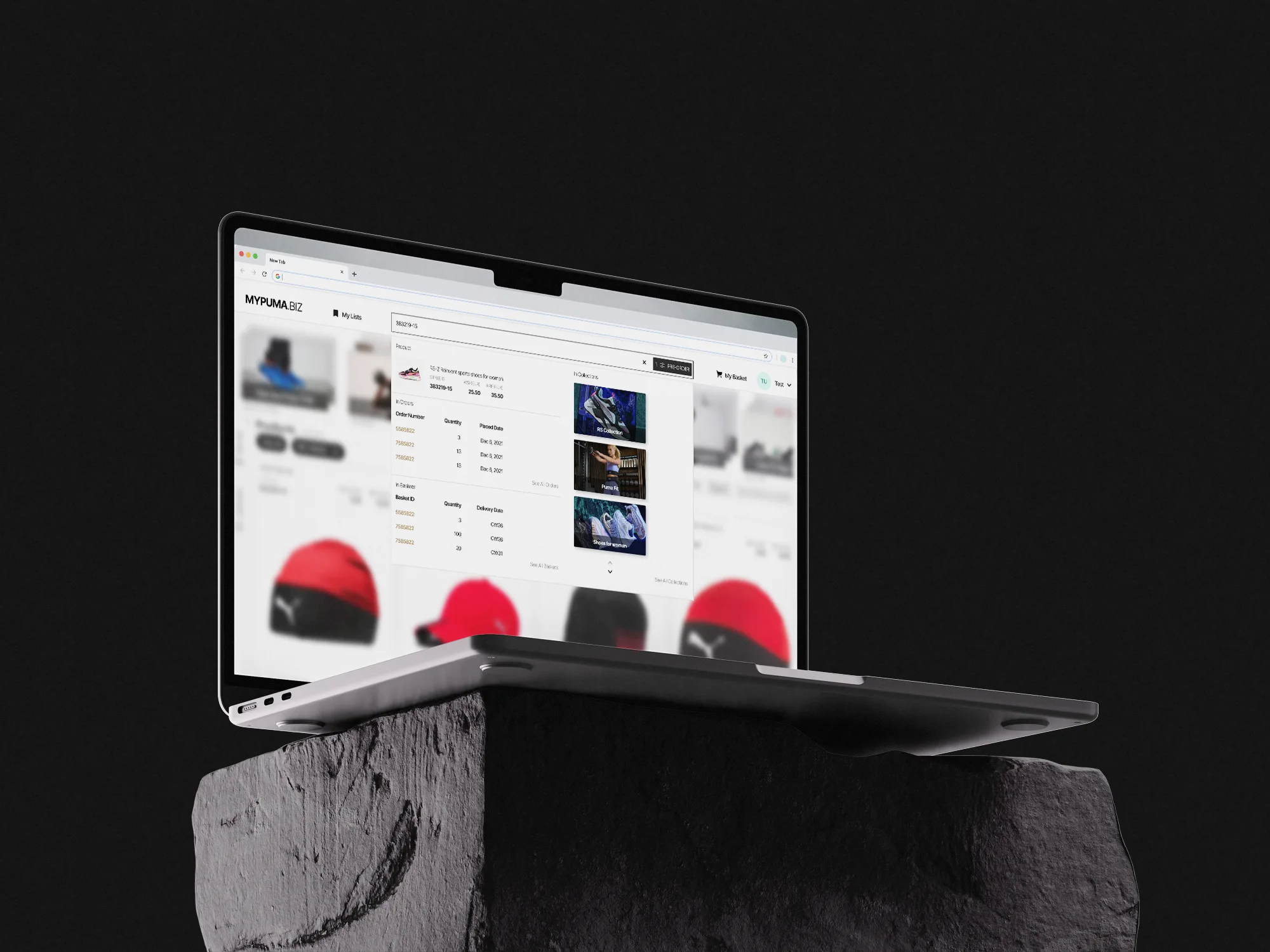
I was brought in to look at Neocles' buyer-facing B2B ordering platform. Buyers were managing thousands of SKUs across seasons, and two things were slowing them down: finding a specific product fast, and planning reorders without clicking into every product one at a time.

Problem
Business:
Buyers managing high SKU volume needed a faster path to product data, order history, and baskets.
Reordering required navigating to each product individually — slow at scale.
User:
Finding a specific SKU meant knowing which section or collection it lived in first.
Planning future orders across multiple products meant repeating the same single-product flow, one item at a time.
Impact:
Time lost per buyer session on high-volume ordering days.
Reordering felt like a series of disconnected tasks rather than one planning motion.
Analysis / Approach
I didn't have access to user interviews or analytics — this was a brief from the client plus my own analysis of the platform. I approached it by acting as a buyer myself: given the task of finding and reordering specific SKUs quickly, where did I get stuck?
Key insight: the platform treated search as a way to locate a product, not a way to act on it. Every search ended in a single destination — a product page — when buyers usually needed one of several things next: check the product, check an existing order, check what's in the basket, or browse the wider collection it belonged to.
Solution
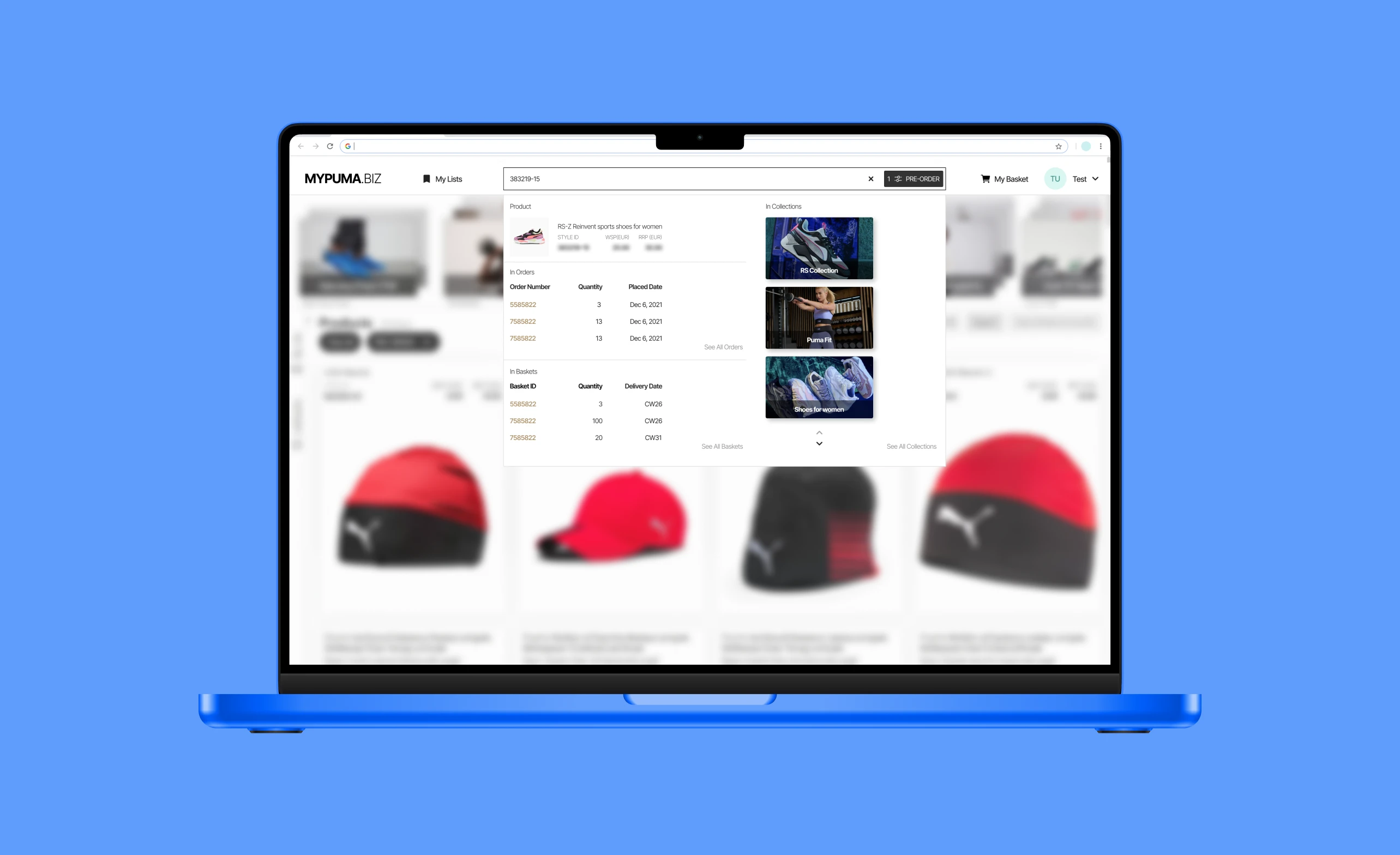
1. One-click, action-oriented search
Instead of a search result linking to a single product page, I designed a quick-view dropdown that surfaces everything relevant to that SKU at once: the product itself, related collections, existing orders containing it, and current basket status — all from a single search, with no need to navigate to a specific section first.
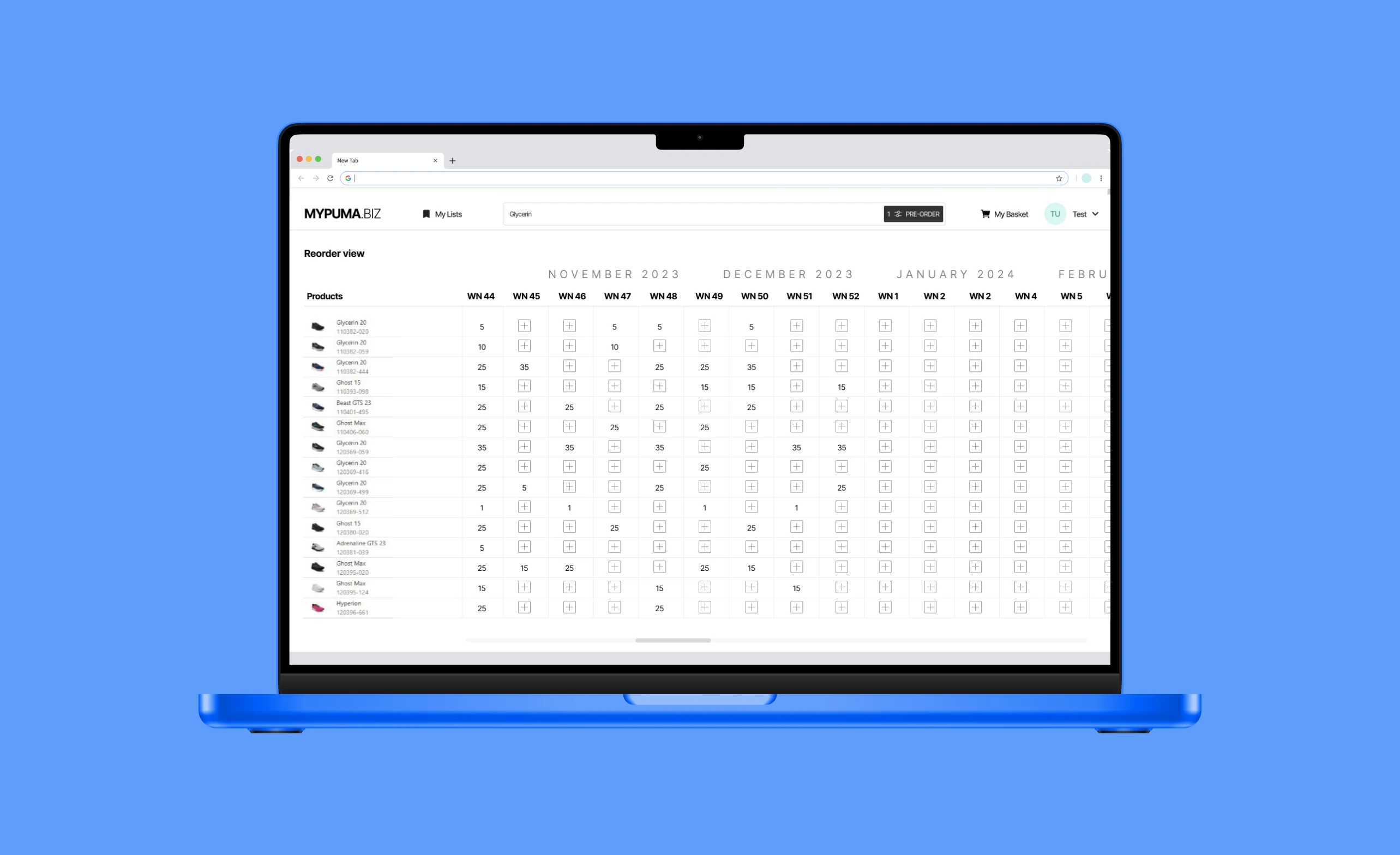
2. Timeline-based bulk reordering
For planning ahead, I moved away from the one-product-at-a-time reorder flow entirely. I proposed a week-based view where buyers could see upcoming delivery windows and select multiple products for bulk reorder in one motion, rather than repeating the same steps per SKU.
Results
This shipped, and the approach was confirmed to work well for buyers — though as an outside collaborator I didn't get visibility into usage data or metrics after handoff, so I can't back this with hard numbers the way I can for my Purovitalis work.
Qualitative impact
Reduced the number of steps between "find a product" and "act on it"
Turned reordering from a per-product task into a single planning motion
Final reflection
This project pushed me to think about search as an entry point to action, not just information — a principle I've carried into later CRO and e-commerce work. Without direct access to usage data, I also learned the limits of designing at arm's length from a live product: the work held up, but I'd want tighter feedback loops if I did this again.
Skills demonstrated: UX strategy, B2B/wholesale UX, information architecture, bulk-action design, independent client work
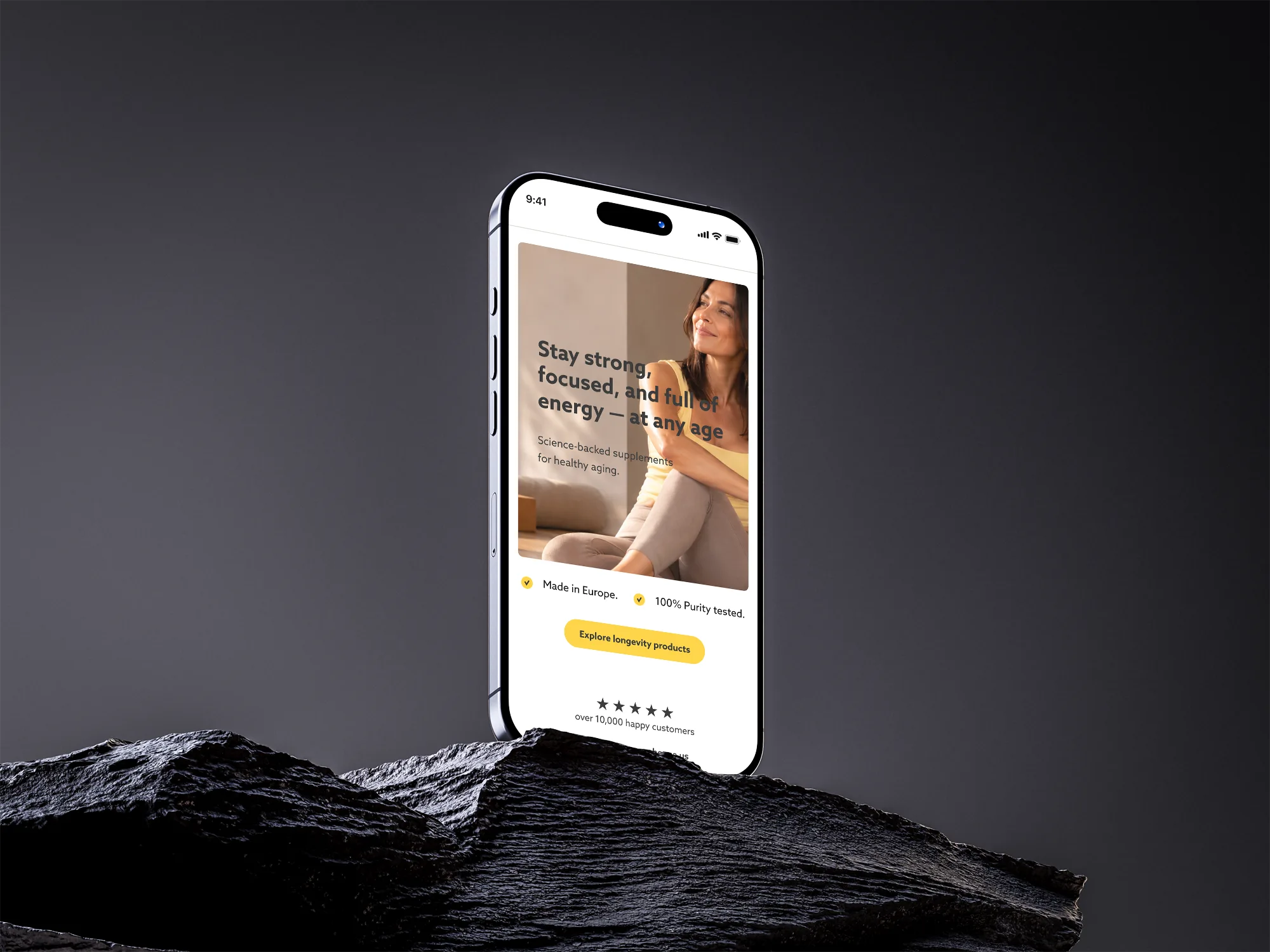
Next project
E-commerce Homepage redesign
to the next project